reading-notes
read
Chapter 5: “Images” (pp.94-125)
A picture can say a thousand words.
Adding Images
<img src="images/quokka.jpg" alt="A family of
quokka" title="The quokka is an Australian
marsupial that is similar in size to the
domestic cat." />
Height & Width of Images
specify the size of the image so that the browser can render the rest of the text on the page while leaving the right amount of space for the image that is still loading.
Three Rules for Creating Images
-
Save images in the right format
-
Save images at the right size
-
Use the correct resolution
Image Formats: JPEG
Whenever you have many different colors in a picture you should use a JPEG.
Image Formats: GIF
Use GIF or PNG format when saving images with few colors or large areas of the same color.

Chapter 11: “Color” (pp.246-263)
The color property allows you to specify the color of text inside an element.
You can specify any color in CSS in one of three ways in Foreground Color
Foreground Color
rgb values
These express colors in terms of how much red, green and blue are used to make it up.
hex codes
These are six-digit codes that represent the amount of red, green and blue in a colo
color names
There are 147 predefined color names that are recognized by browsers.
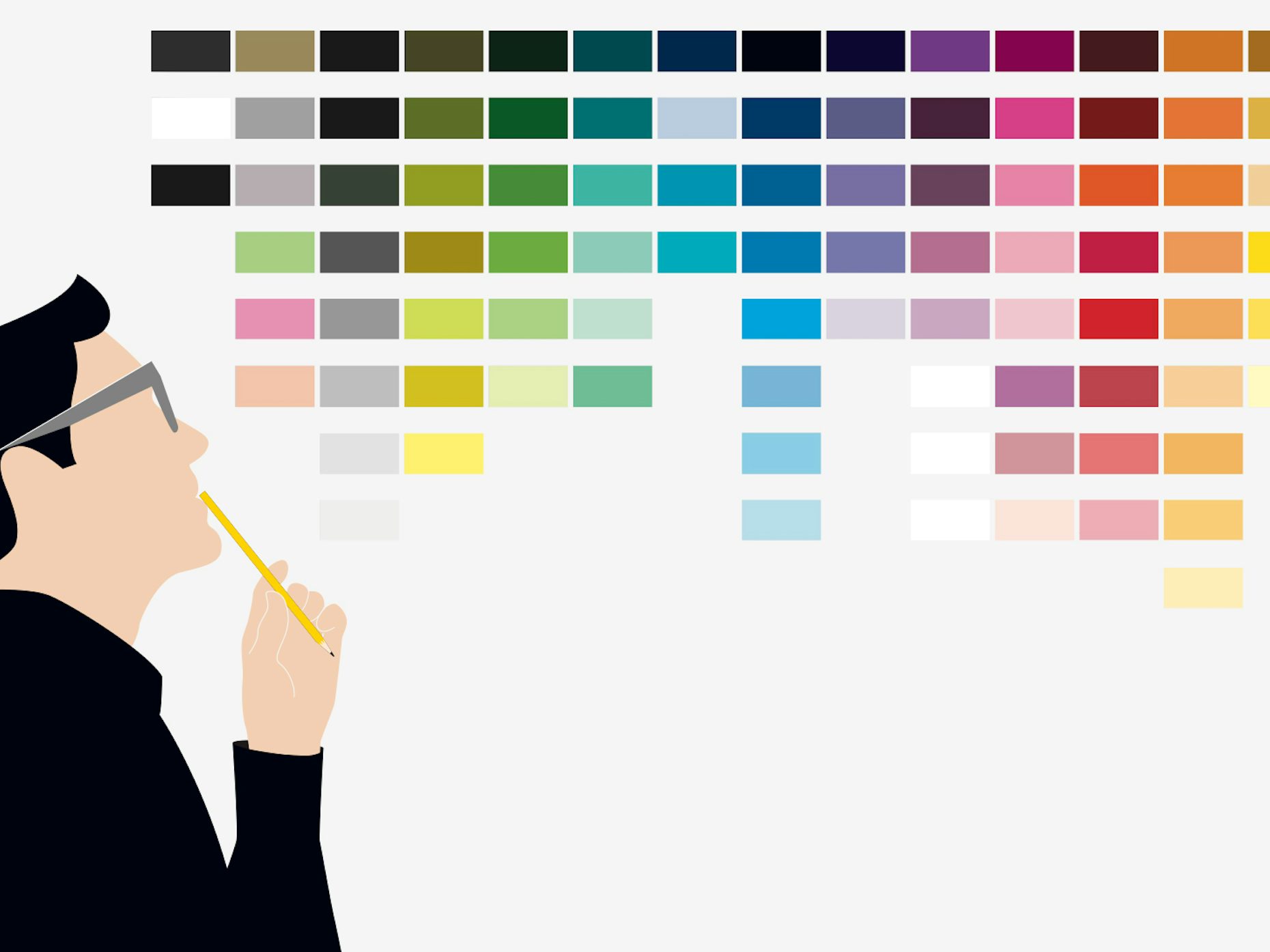
Background Color
CSS treats each HTML element as if it appears in a box, and the background-color property sets the color of the background for that box.
Understanding Color
every color on a computer screen is created by mixing amounts of:
- red
- green
- blue
Chapter 12: “Text” (pp.264-299)
The formatting of your text can have a significant effect on how readable your pages are.
Typeface Terminology
- Serif
serif fonts were traditionally used for long passages of text because they were considered easier to read.
- Sans-Serif
Screens have a lower resolution than print. So, if the text is small, sans-serif fonts can be clearer to read.
- Monospace fonts are commonly used for code because they align nicely, making the text easier to follow.
Specifying Typefaces
The font-family property allows you to specify the typeface that should be used for any text inside the element(s) to which a CSS rule applies.
<!DOCTYPE html>
<html>
<head>
<title>Font Family</title>
<style type="text/css">
body {
font-family: Georgia, Times, serif;}
h1, h2 {
font-family: Arial, Verdana, sans-serif;}
.credits {
font-family: "Courier New", Courier,
monospace;}
</style>
</head>
<body>
<h1>Briards</h1>
<p class="credits">by Ivy Duckett</p>
<p class="intro">The <a class="breed"
href="http://en.wikipedia.org/wiki/
Briard">briard</a>, or berger de brie, is
a large breed of dog traditionally used as
a herder and guardian of sheep...</p>
</body>
</html>
JPEG vs PNG vs GIF
There are hundreds of image formats available each with a specific use case.
the most image formats in websites and mobile applications:
- JPEG
Use JPEG format for all images that contain a natural scene or photograph where variation in colour and intensity is smooth.
- PNG
Use PNG format for any image that needs transparency.
- GIF
Use GIF format for images that contain animations.
To choose the best image format, the following should be taken into consideration.
-
Compression
-
Transparency
-
Colours
-
Animation