reading-notes
text editor
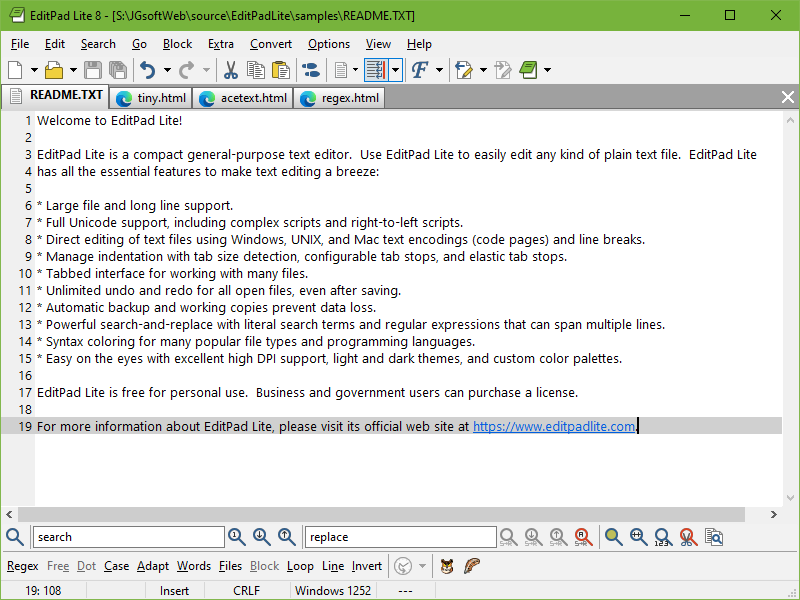
The text editor is important for anyone who wants to learn web development, the choice of your text editor will be a personal choice depending on what you like and this is because there are no major differences in text editors, Well, there are many features that will help you to get a text editing program that you will love. At the beginning, you should familiarize yourself with the basic features that you must have: 1- code completion 2- syntax highlighting 3- nice variety of themes 4- the ability to choose from a healthy selection of extensions available when you need them Well, you can get some of these features from the text editors already on your device, but it is preferable to download other programs (Notepad++, Text Wrangler, BB Edit, Visual Studio Code, Atom, Brackets, and Sublime Text) because of the standards required when using this device programs, well there is a more complex program used for editing text called IDEs, to clarify the difference, a comparison must be made:
terminal
A code editor is a text editor that has some good features for writing code IDE is something usually more complex that combines a couple of different tools together. What is Linux? Just like Windows, and Mac OS, Linux is an operating system, There are several ways to control this system, but what we will talk about precisely is command line (terminal), Well, the main benefit of this method is to gain time by entering orders by writing, there are many rules and commands that you must know in order to make using this method easier and faster, to opening the Terminal, you must be familiar with the system used on your device, and when you follow the steps specific to your system, you will find that it is easy to open, To be able to use a terminal correctly, you must know your shell ,that defines how the terminal will behave , and one of the good things about a terminal is the Shortcuts where using them makes you faster and reduces your mistakes.
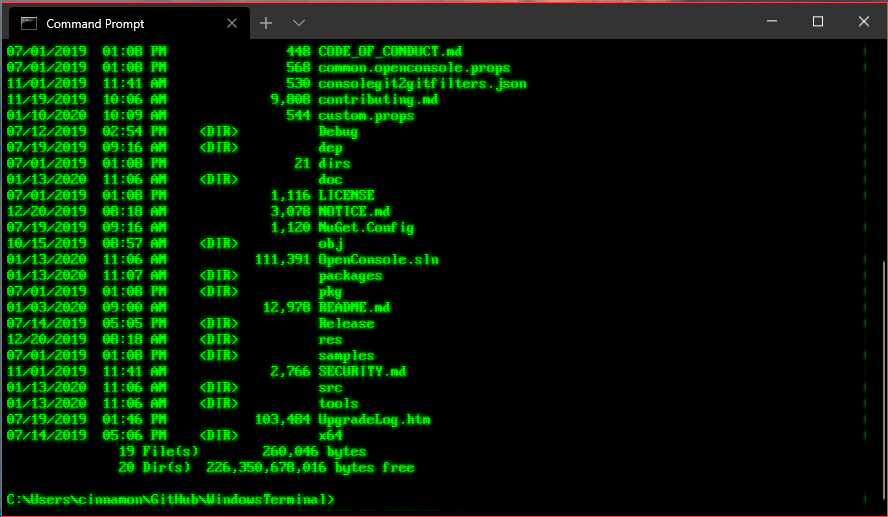
To get the expected benefit from a terminal, you must learn the basics of navigating the system, Well, we have several abbreviations that we should know and know what to use, and so far, we will get to know three acronyms: Pwd (Print Working Directory) it used to: It tells you what your current or present working directory is Ls (List the contents of a directory) it used to: know what is there Cd (Change Directories) it used to: move to another directory There is one more thing we have to deal with is called path, the path is a means to get to a particular file or directory on the system. And there two type of paths we should to know Relative path A file or directory location relative to where we currently are in the file system. Absolute path A file or directory location in relation to the root of the file system To deepen dealing with this system, some things must be known, including: File: everything is actually a file. A text file is a file, a directory is a file ls -a: List the contents of a directory, including hidden files